![Roblox Scripts Hub [OFFICIAL 2026] » No Key Scripts](https://scripts-blox.com/wp-content/uploads/2025/11/Roblox-Script.webp)
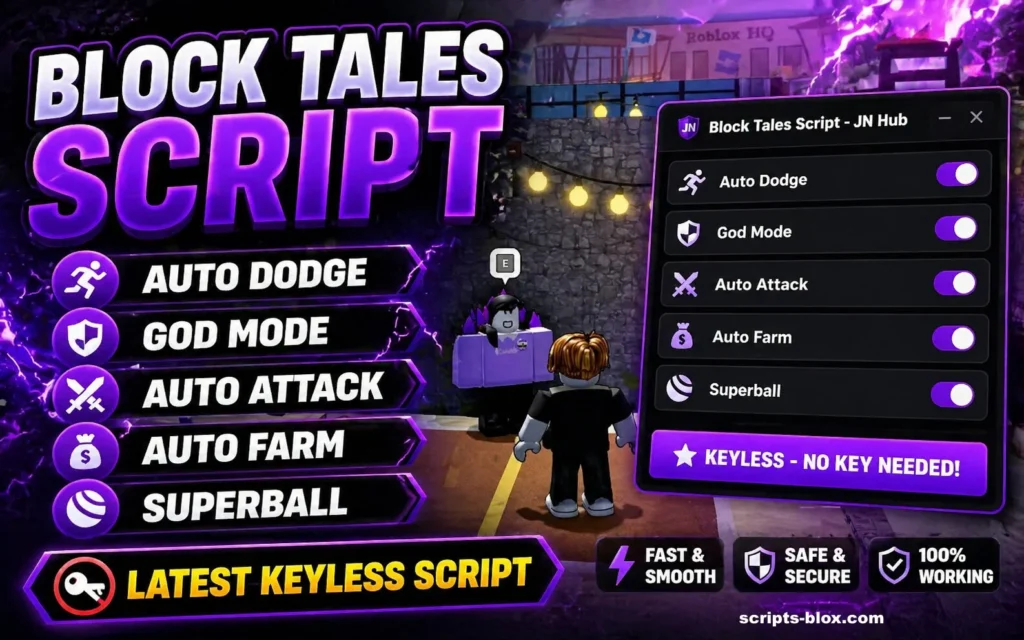
If you’ve been exploring Block Tales on Roblox, you’ve probably come across the term Block Tales Script. Scripts are a popular topic in the Roblox community, often associated with automation, enhanced gameplay mechanics, or unlocking hidden potential inside games.
In this guide, you’ll find a clear, informative overview of the Block Tales Script, its features, how it works, and the important things to consider before using it.
What Is a Block Tales Script?
Block Tales Script is a custom Roblox script created by players to modify or enhance gameplay in the Block Tales game. Scripts like this are typically written in Lua (the programming language used by Roblox) and are executed using third-party tools known as script executors.
Instead of playing the game in its standard format, scripts can introduce new mechanics such as automation, improved combat features, or easier resource collection.
Key Features
Not all scripts are the same, but many share a set of common features designed to make progression faster or easier.
1. Auto-Farming
Automates grinding tasks like collecting items, defeating enemies, or earning in-game currency.
2. Auto-Quest Completion
Some scripts can detect and complete quests automatically, saving time on repetitive missions.
3. Enhanced Movement
Includes speed boosts, teleportation, or no-clip (moving through objects).
4. Combat Assistance
Auto-attack systems or improved targeting that simplify battles.
5. GUI Menus
Modern scripts often come with a user interface that lets you toggle features on and off easily.
Also Read: Attack on Titan Revolution Script » Auto Spin, Hitbox, Spin
Latest Working Script
1. TexRBLX Hub (Most Popular & Recommended – OP GUI)
- loadstring(game:HttpGet(“https://raw.githubusercontent.com/TexRBLX/Roblox-stuff/refs/heads/main/block%20tales/revamp.lua”))()
- Features: Auto Guard (Works on PC & Mobile), Auto Sword/Launcher, God Mode, Auto Attack.
2. Alternative Block Tales Script
- loadstring(game:HttpGet(“https://raw.githubusercontent.com/TexRBLX/Roblox-stuff/refs/heads/main/block%20tales/testing.lua”))()
3. Elysian Hub style / Keyless / Auto Block + Auto Abilities
- loadstring(game:HttpGet(“https://raw.githubusercontent.com/TexRBLX/Roblox-stuff/refs/heads/main/block%20tales/revamp.lua”))()
How Players Use Block Tales Scripts
Using a script typically involves these steps:
- Launch Roblox and open Block Tales
- Install a Roblox script executor (KRNL, Delta)
- Copy the script code
- Inject the executor into Roblox
- Paste and execute the script while in-game
This process varies depending on the tool being used, and it’s not officially supported by Roblox.
Are Block Tales Scripts Safe?
Here’s the reality: there are real risks involved.
⚠️ Account Risks
Roblox has strict rules against exploiting. Using scripts can lead to:
- Temporary bans
- Permanent account suspension
⚠️ Security Risks
Scripts from unknown sources may contain:
- Malware
- Keyloggers
- Data theft mechanisms
⚠️ Stability Issues
Poorly written scripts can:
- Crash your game
- Break gameplay
- Cause bugs or glitches
Also Read: Pet Simulator 99 Script » Pet Spawner, Dupe Pets, Auto Farm
Ethical Considerations
While scripts can make gameplay easier, they can also:
- Ruin the experience for other players
- Create unfair advantages
- Disrupt game balance
Many players prefer to progress naturally to enjoy the full experience intended by the developers.
Tips If You’re Exploring Scripts
If you’re still curious, keep these precautions in mind:
- Avoid downloading files from untrusted websites
- Never share your Roblox login details
- Use secondary accounts for testing
- Keep antivirus software active
- Read community feedback before trying anything
Alternatives to Using Scripts
If your goal is faster progress or better performance, consider safer options:
- Learn in-game mechanics and strategies
- Join communities for tips and guides
- Play with teams to complete missions faster
- Focus on efficient grinding routes
These approaches may take more time, but they’re risk-free and often more rewarding.
Conclusion
Block Tales scripts can offer shortcuts and automation, but they come with trade-offs especially in terms of safety and fairness. Understanding both the benefits and the risks helps you make an informed decision.
If you enjoy experimenting and exploring game systems, focus on improving your skills and strategies. It keeps your account safe and preserves the fun of the game in the long run.