![Roblox Scripts Hub [OFFICIAL 2026] » No Key Scripts](https://scripts-blox.com/wp-content/uploads/2025/11/Roblox-Script.webp)
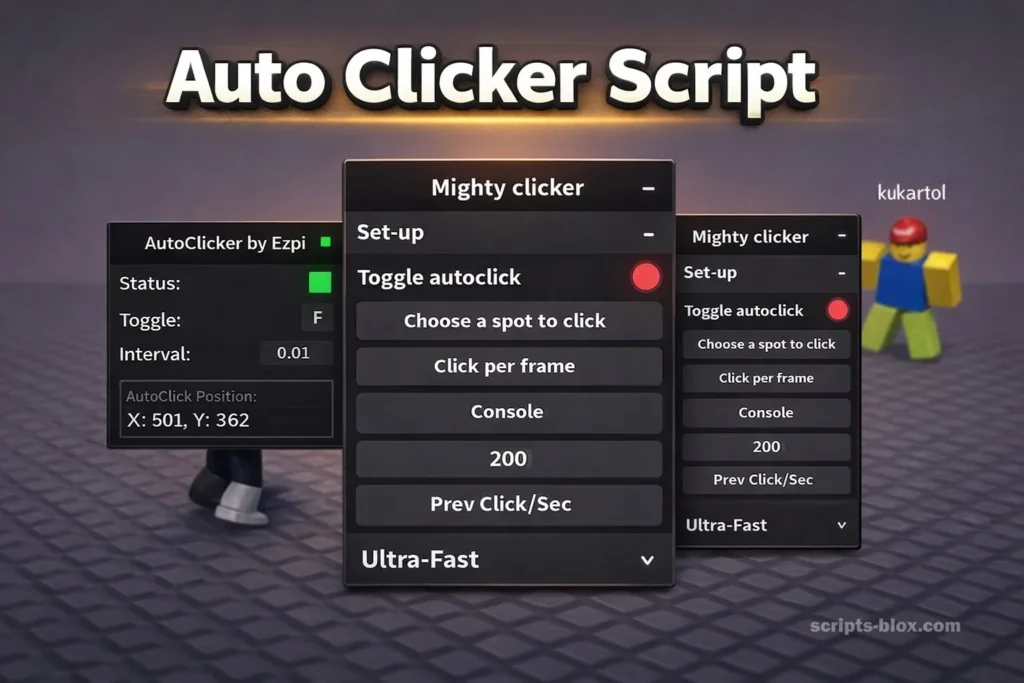
If you spend time playing Roblox, you already know how repetitive some in-game actions can become. Whether you’re grinding levels, farming resources, or completing tasks, constant clicking can quickly turn into a chore. That’s where an Auto Clicker Script becomes incredibly useful.
In this guide, you’ll learn what an auto clicker script is, how it works, its benefits, how to use it safely, and why it’s especially popular in games like Blox Fruits, Adopt Me, Fish It, Rivals, and Steal a Brainrot.
What Is an Auto Clicker Script?
An Auto Clicker Script is a simple programing code that automates mouse clicks or taps. Instead of manually clicking over and over again, the script performs the action for you at a set speed and interval.
These scripts are widely used in games where repetitive actions are required, such as:
- Attacking enemies
- Collecting resources
- Fishing
- Grinding experience (XP)
- Farming in-game currency
The main goal is to save time, reduce effort, and improve efficiency while playing.
Why Auto Clicker Scripts Are Popular in Roblox
Roblox games are designed to be engaging, but many of them rely on repeated actions to progress. This is especially true for simulator-style and grinding-based games.
Here’s why players love using an Auto Clicker Script:
1. Saves Time
Instead of clicking hundreds or thousands of times, the script does the work instantly.
2. Reduces Physical Strain
Continuous clicking can cause finger fatigue or discomfort. Automation removes that issue.
3. Improves Efficiency
You can progress faster in the game by maintaining consistent clicking speed.
4. Multitasking
With an auto clicker running, you can focus on strategy, chat, or even step away briefly.
Also Read: Blox Fruits Auto Farm Script – Roblox Script (2026)
Latest Working Roblox Auto Clicker Scripts List
1. Official Auto Clicker Script
- loadstring(game:HttpGet(“https://raw.githubusercontent.com/Hosvile/The-telligence/main/MC%20KSystem%202”))()
2. FastClicker by stavurself (Highly Customizable UI)
- loadstring(game:HttpGet(“https://raw.githubusercontent.com/stavurself/FastClicker/main/FastClicker.lua”))()
3. Blade Ball / Combat Focused Auto Clicker
- loadstring(game:HttpGet(‘https://raw.githubusercontent.com/SKYLER31/scirpts/main/AutoClick.lua’
4. FastClicker (Best Overall – 1000+ CPS + Modern GUI)
- Ultra-fast, clean UI, anti-AFK, works everywhere.
- loadstring(game:HttpGet(‘https://raw.githubusercontent.com/stavurself/FastClicker/refs/heads/main/main.lua’))()
5. Universal Safe Auto Clicker – Recommended for AFK
- Super safe, only clicks inside Roblox window, great for Adopt Me / 99 Nights AFK.
- loadstring(game:HttpGet(“https://rscripts.net/raw/auto-clicker-universal_1759569984975_L3YX0p6bJk.txt”, true))()
6. Toggle F-Key Auto Clicker (Classic & Lightweight)
Press F to turn on/off. Clicks wherever your mouse is.
Press F to turn on/off. Clicks wherever your mouse is.
--[[ Coded by Keathunsar ]]
getgenv().boolAutoClicker = false
game:GetService("UserInputService").InputBegan:Connect(function(input)
	if input.KeyCode == Enum.KeyCode.F then
		getgenv().boolAutoClicker = not getgenv().boolAutoClicker
		if getgenv().boolAutoClicker then
			spawn(function()
				while getgenv().boolAutoClicker do
					wait()
					mouse1click()
				end
			end)
		end
	end
end)
7. VirtualUser High-Speed Clicker (Very Stable)
Works great in Blox Fruits (auto attack farming).
local vu = game:GetService("VirtualUser")
while true do
    vu:Button1Down(Vector2.new(0,0), workspace.CurrentCamera.CFrame)
    task.wait(0.001) -- change to 0.01 for slower
    vu:Button1Up(Vector2.new(0,0), workspace.CurrentCamera.CFrame)
end
8. Right-Click Auto Clicker (For games that use right click)
local vu = game:GetService("VirtualUser")
while true do
    vu:Button2Down(Vector2.new(0,0), workspace.CurrentCamera.CFrame)
    task.wait(0.01)
    vu:Button2Up(Vector2.new(0,0), workspace.CurrentCamera.CFrame)
end
9. Toggle E-Key + Adjustable CPS
Press E to toggle (easy to change key).
local clicking = false
game:GetService("UserInputService").InputBegan:Connect(function(i)
    if i.KeyCode == Enum.KeyCode.E then clicking = not clicking end
end)
spawn(function()
    while true do
        if clicking then mouse1click() end
        task.wait(0.005) -- 200 CPS
    end
end)
10. FastClicker Alternative (Another version – very fast)
loadstring(game:HttpGet(“https://raw.githubusercontent.com/Not-Kyle/Universal-Scripts.lua/main/Autoclicker/UI.lua”))()
11. Anti-AFK + Auto Click (Perfect for long AFK in Adopt Me / 99 Nights)
game:GetService("Players").LocalPlayer.Idled:Connect(function()
    game:GetService("VirtualUser"):Button2Down(Vector2.new(0,0), workspace.CurrentCamera.CFrame)
    wait(1)
    game:GetService("VirtualUser"):Button2Up(Vector2.new(0,0), workspace.CurrentCamera.CFrame)
end)
12. Mouse1Click + Mouse2Click Combo (Double action)
while true do
    mouse1click()
    mouse2click()
    task.wait(0.015)
end
Also Read: Survive Lava For Brainrots Script – Roblox Script (2026)
How Auto Clicker Scripts Work
At a basic level, an Auto Clicker Script simulates mouse input. It sends click commands to the game at predefined intervals.
Typical features include:
- Adjustable click speed (CPS – clicks per second)
- Toggle keys (start/stop with a hotkey)
- Click location control
- Looping actions
- Delay customization
Some advanced scripts also include:
- Anti-idle features
- Randomized clicking patterns (to appear more human-like)
- Multi-action automation
Best Use Cases in Popular Roblox Games
Let’s explore how an Auto Clicker Script can enhance gameplay in some of the most popular Roblox titles.
1. Blox Fruits
Blox Fruits is heavily focused on grinding and combat. Players spend hours defeating enemies to level up.
How auto clickers help:
- Automatically attack enemies
- Farm mastery levels
- Speed up leveling
Instead of constant clicking, the script keeps your attacks going while you focus on positioning.
2. Adopt Me
Adopt Me is more relaxed, but it still involves repetitive actions like caring for pets and earning money.
Benefits of using a script:
- Automate simple tasks
- Reduce repetitive clicking during activities
- Help with farming in-game currency
3. Fish It
Fishing games are a perfect example of repetitive gameplay.
Auto clicker advantages:
- Continuous casting and reeling
- Faster resource collection
- Less waiting and manual effort
4. Rivals
In competitive games like Rivals, reaction time matters.
Where scripts help:
- Practice mode automation
- Repeated training actions
- Quick attack simulation
5. Steal a Brainrot
This game involves constant interaction and quick actions.
Why auto clickers are useful:
- Automate repetitive actions
- Increase efficiency in farming
- Keep progress steady without manual effort
Also Read: Knockout Script – Roblox Script (2026)
Safety Tips for Using Auto Clicker Scripts
While an Auto Clicker Script can be helpful, you should always use it responsibly.
1. Follow Game Rules
Some games may not allow automation. Always check the rules to avoid penalties.
2. Avoid Overuse
Running scripts excessively can lead to suspicious activity detection.
3. Use Moderate Speeds
Extremely fast clicking can look unnatural and risky.
4. Keep Your Account Secure
Only download scripts from trusted sources to avoid malware.
5. Stay Present
Even with automation, keep an eye on your game to prevent issues.
Advantages of Auto Clicker Scripts
Let’s summarize the main benefits:
- Saves time and effort
- Reduces repetitive strain
- Improves gameplay efficiency
- Helps with grinding and farming
- Enables better multitasking
Limitations to Consider
Even though an Auto Clicker Script is useful, it’s not perfect.
1. Risk of Detection
Some games may detect automated behavior.
2. Less Engagement
Automation can make gameplay feel less interactive.
3. Setup Required
You need to configure scripts properly for best results.
Tips for Better Results
To get the most out of your Auto Clicker Script, follow these tips:
- Use realistic click speeds
- Combine with in-game strategies
- Adjust settings based on the game
- Take breaks and monitor progress
- Update scripts regularly
Is Using an Auto Clicker Script Worth It?
For many players, the answer is yes especially in grind-heavy games. An Auto Clicker Script can transform your experience by making repetitive tasks effortless and more efficient.
However, it’s important to balance automation with fair play and enjoyment. The goal is to enhance your gameplay not replace it entirely.
Conclusion
An Auto Clicker Script is one of the most practical tools for Roblox players who want to save time and improve efficiency. Whether you’re farming in Blox Fruits, fishing in Fish It, or progressing in Steal a Brainrot, automation can make a huge difference.
Used wisely, it allows you to focus on the fun parts of gaming while handling the repetitive work in the background. Just remember to stay safe, respect game rules, and use scripts responsibly.