![Roblox Scripts Hub [OFFICIAL 2026] » No Key Scripts](https://scripts-blox.com/wp-content/uploads/2025/11/Roblox-Script.webp)
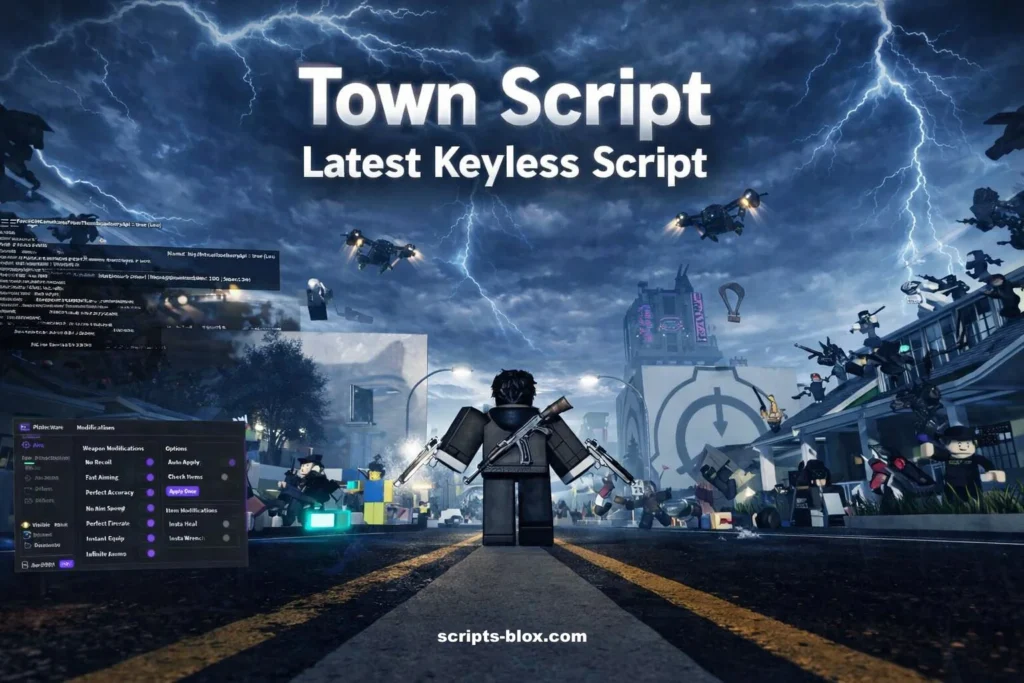
Roblox has always been a playground for creativity, and among its many experiences, Town Script stands out as a unique and flexible way to shape your own virtual world. Whether you enjoy roleplaying, building communities, or experimenting with game mechanics, Town Script offers a powerful yet accessible system that lets you take control of your environment like never before.
In this guide, we’ll explore what Town Script in Roblox is, how it works, its features, and why it’s becoming increasingly popular among players who want a more personalized gameplay experience.
What Is Town Script in Roblox?
Town Script is a customizable scripting system used within certain Roblox town-style games. It allows players especially admins or creators to modify gameplay elements, automate actions, and enhance roleplay scenarios through simple commands or scripts.
Unlike traditional Roblox gameplay where rules are fixed, Town Script gives you the freedom to:
- Control player roles and permissions
- Create interactive scenarios
- Customize environments in real time
- Automate repetitive tasks
It essentially turns a standard town game into a dynamic sandbox where creativity leads the experience.
Also Rewad: Paradox Script – Roblox Keyless Script
Why Town Script Is So Popular
One of the main reasons Town Script has gained traction is its balance between simplicity and power. You don’t need to be an expert programmer to use it effectively, but it still offers enough depth for advanced users.
Key Benefits
- Enhanced Roleplay Experience
- Town Script allows players to create realistic or imaginative scenarios like running a city, managing emergencies, or hosting events.
- Real-Time Customization
- You can modify the game world on the fly, which keeps gameplay fresh and engaging.
- Community Building
- Many Town Script games thrive on social interaction, making them perfect for players who enjoy collaborative gameplay.
- Learning Opportunity
- It’s also a great introduction to basic scripting concepts, helping players understand how game logic works.
Latest Working Town Script
1. Ultimate Town GUI (KEYLESS) – Quickbuy + ESP + More
- loadstring(game:HttpGet(“https://pastebin.com/raw/tdP7EES3”))()
2. SCX Hub for Town – Visuals, ESP, Chams
- loadstring(game:HttpGet(“https://raw.githubusercontent.com/forkT3/SCX-Hub/main/SCX-hub-Loader.lua”))()
- Features: ESP (with player status, studs, box), Cham ESP, transparency options, color changers, etc.
3. Older but Still Referenced Town Trasher Script (ESP, Kill All, Chams, Gun Mods, etc.)
- loadstring(game:HttpGet(“https://raw.githubusercontent.com/MojaveMF/miscscripts/main/towntrasher.lua”,true))()
- Features (from old versions): ESP, Kill All, Chams, Dupe, Gun mods, Steal Gun, etc. May still work or have updates on the raw link.
How to Use:
- Open a keyless Roblox executor (search for working ones like Delta or Xeno 2026).
- Join the Town game on Roblox.
- Paste one of the scripts above into the executor box.
- Click Execute / Inject.
How Town Script Works
Town Script typically operates through a command system. Depending on the game, you might access it via:
- Chat commands
- Admin panels
- GUI-based controls
Common Features
- Player Management: Assign roles like mayor, police, or citizen
- Environment Control: Change weather, time, or map elements
- Event Triggers: Start missions or scenarios instantly
- Permissions System: Control who can use specific commands
These features make Town Script especially useful for moderators and game hosts.
Tips for Using Town Script Effectively
If you’re new to Town Script, here are some practical tips to get started:
Start Simple
Begin with basic commands like spawning items or changing time settings before diving into complex scripts.
Understand Permissions
Not all players have access to every command. Learn how roles and permissions work to avoid confusion.
Use It for Storytelling
The best Town Script experiences come from creative storytelling. Build scenarios that engage other players.
Stay Organized
If you’re running a server or community, keep your scripts and commands structured for smooth gameplay.
Is Town Script Safe to Use?
Yes when used within official or trusted Roblox games. However, always be cautious of:
- Unverified scripts from unknown sources
- Requests for personal or account information
- External downloads claiming to “enhance” scripts
Stick to in-game tools and reputable communities to ensure a safe experience.
Conclusion
Town Script in Roblox is more than just a feature it’s a gateway to creativity and control. It transforms ordinary gameplay into something interactive, social, and highly customizable. Whether you’re managing a virtual town, hosting events, or experimenting with game mechanics, Town Script empowers you to shape the experience your way.
FAQs
What is Town Script used for?
Town Script is used to automate tasks and unlock features in Roblox town-style games.
Is Town Script legal?
It is not illegal, but it goes against Roblox’s terms of service.